





Behavioral triggers marketing works best when it starts with a simple question: what did the customer just do, and what would be a genuinely useful next touchpoint?
That question matters because small and mid-sized businesses rarely have time to maintain huge automation maps. A retail or e-commerce team may know that shoppers are browsing products, clicking emails, abandoning carts, returning to key pages, or engaging with seasonal offers. The challenge is turning those behaviors into follow-up that feels timely instead of random.
The goal is not to automate everything. The goal is to respond to the moments that show intent, confusion, hesitation, or loyalty. When you choose those moments carefully, behavioral triggers can help your team follow up faster, keep messages more relevant, and connect digital behavior to channels like email and direct mail without forcing staff to chase every visitor manually.
Start With the Behaviors Worth Responding To
Before you build workflows, make a short list of behaviors that deserve a response. This is where many SMB campaigns go wrong. The team opens an automation tool, sees endless possible triggers, and starts building based on what the software can do instead of what the customer moment requires.
Start with behavior that signals one of four things.
First, look for intent. A shopper views a product three times, checks a pricing page, visits a financing page, downloads a guide, starts a quote request, or returns after several weeks away. These actions suggest the person may be closer to a decision than a casual visitor.
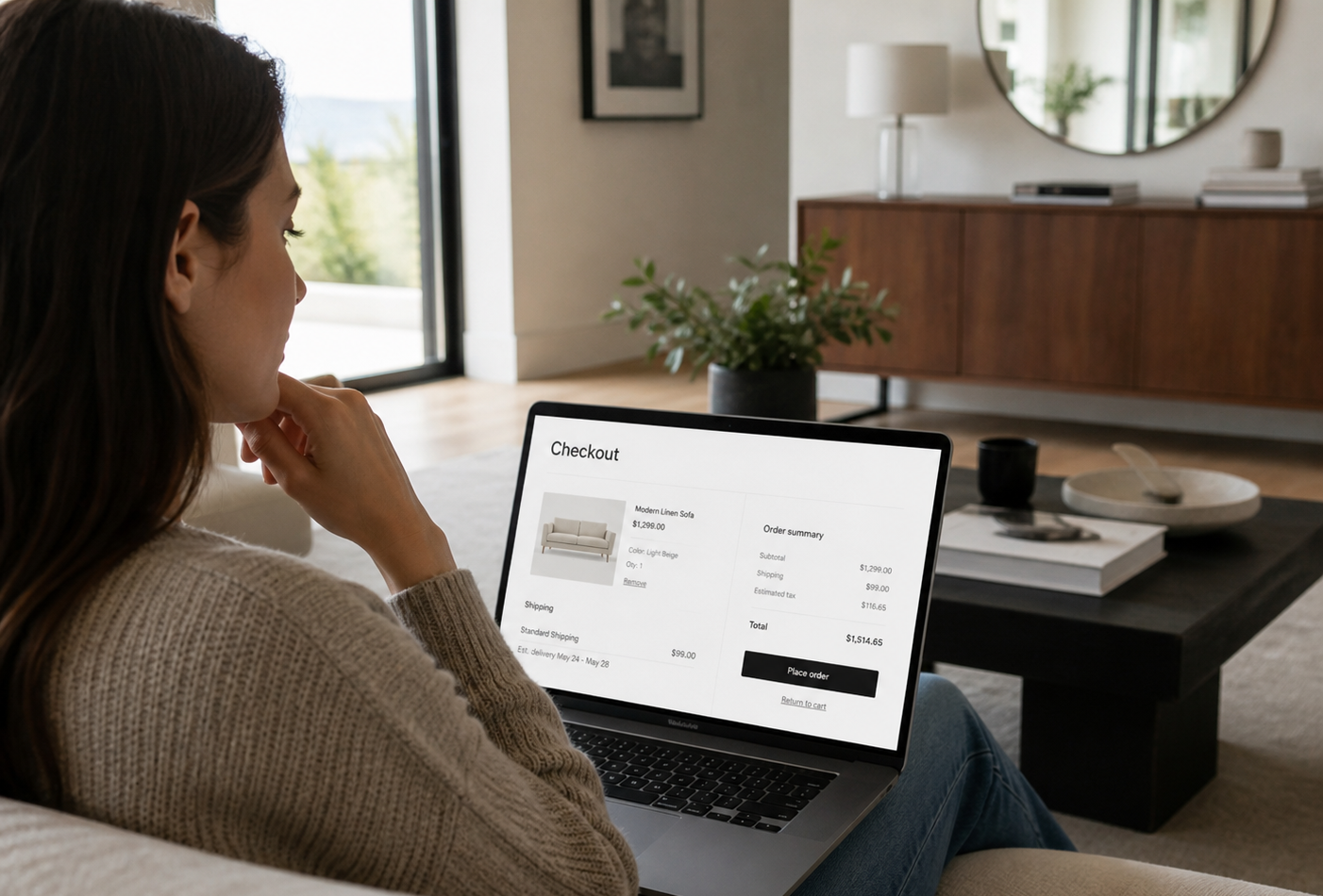
Second, look for friction. A shopper starts checkout but does not complete it, views shipping information, abandons a form, or clicks a help link. These actions may mean the customer had a question, found a barrier, or needed reassurance.
Third, look for relationship changes. A customer makes a first purchase, becomes a repeat buyer, stops buying, or engages with a loyalty offer. These behaviors help you decide whether the next message should welcome, educate, reward, or re-engage.
Fourth, look for channel opportunity. Some moments are right for email because the message is quick and low-cost. Others may be worth direct mail because the customer has shown stronger intent or because the offer needs more physical presence than another inbox message.
If a behavior does not change what you would say, when you would say it, or which channel you would use, it may not need a trigger yet.
Step 1: Define the Customer Moment Behind Each Trigger
A trigger is not just a technical rule. It is a customer moment.
For example, “visited product page” is not enough by itself. Which product? How many times? Was it a high-margin item, a seasonal category, a service page, or a product that usually needs education before purchase? Did the visitor also view financing, delivery, reviews, sizing, or return policies?
The more clearly you define the moment, the easier it becomes to write the follow-up. A visitor who browsed a winter coat category once may only need a light reminder. A visitor who returned to the same product page three times and clicked shipping information may need reassurance about fit, delivery timing, or return terms. A customer who bought once but has not returned in 90 days may need a different message from someone who never purchased.
Write each trigger in plain English before you build it:
When a visitor does this behavior, it probably means this.
The next best message is this.
The right channel is this.
The timing should be this.
This small exercise keeps your automation from becoming a pile of disconnected rules. It also helps marketing, sales, and operations agree on what each trigger is supposed to accomplish.
Step 2: Choose the Trigger Types That Fit Your Business
Not every business needs the same trigger stack. A fashion retailer, a local service business, an automotive dealer, and a B2B agency may all use behavior-based marketing, but the useful signals will be different.
Website behavior triggers
Website behavior is often the best place to start because it captures active interest. Common examples include product page views, category browsing, pricing page visits, quote page visits, form starts, repeat visits, blog engagement, and high-intent page views.
For e-commerce, a useful website trigger might be someone viewing a product multiple times without purchasing. For a local retailer, it might be someone viewing a store location page or a promotion page. For an automotive dealer, it might be someone browsing a specific vehicle type, financing page, or trade-in information.
MailX2’s positioning is especially relevant here because the platform is built around identifying anonymous website visitors and turning passive traffic into automated email and direct mail touchpoints. The important strategic question is not “Can we trigger something?” It is “Which visitor behaviors are worth acting on quickly?”
Email engagement triggers
Email behavior can help refine your follow-up. Opens are useful but limited because tracking can be affected by privacy settings and inbox behavior. Clicks tend to be stronger signals because the person actively chose an offer, category, article, or product.
Good email engagement triggers might include clicking a sale category, clicking a product guide, clicking a booking link without completing the next step, or engaging with a reactivation campaign. The follow-up should match the click. A customer who clicked a product education guide probably should not receive the same message as someone who clicked “Get Started.”
Purchase and lifecycle triggers
Purchase behavior can support onboarding, retention, and reactivation. A first purchase might trigger a welcome sequence or care instructions. A repeat purchase might trigger loyalty messaging. A customer who has not bought in a normal replenishment window might receive a helpful reminder.
Lifecycle triggers are especially useful because they reduce the need for one-size-fits-all blasts. Instead of sending every customer the same promotion, you can tailor the message to where they are in the relationship.
Direct mail and cross-channel triggers
Direct mail is worth considering when the behavior suggests stronger intent or when the business wants to stand out beyond the inbox. A customer who browses a high-value category, requests information, or returns repeatedly to the same offer may be a better fit for a physical mail piece than a low-intent visitor who only landed on the homepage once.
Cross-channel triggers work best when each channel has a role. Email can be fast, flexible, and easy to test. Direct mail can create a more tangible reminder. A sales task can help when the action suggests a human conversation is needed. The mistake is using every channel for every trigger. That feels heavy to the customer and expensive for the business.
Step 3: Match Timing, Message, and Channel
Once you choose your triggers, decide how fast the response should happen.
Some triggers should be nearly immediate. A form submission, quote request, consultation request, or started checkout may deserve a fast follow-up because the customer is actively in motion. Other triggers can wait. A category view, blog read, or first purchase might work better with a delay that gives the customer room to continue naturally.
Timing should match the customer’s state of mind. If someone just abandoned checkout, the first message might ask whether they need help or remind them of the item. If someone viewed a product category twice in a week, the message might highlight helpful options or answer common questions. If someone has not returned after a purchase, the message might focus on care, replenishment, or a related product.
The message should also match the channel. Email can carry quick reminders, product links, educational content, and time-sensitive updates. Direct mail should usually be reserved for moments where a physical piece adds value, such as a higher-intent offer, local campaign, reactivation push, or considered purchase. If direct mail is part of the plan, account for production, mailing timelines, address quality, and offer clarity before launch.
Step 4: Set Rules So Workflows Do Not Fight Each Other
Behavioral triggers can become messy when every workflow fires independently. A customer might receive a welcome email, a cart reminder, a product-view reminder, and a reactivation message within the same week. Technically, each trigger may be working. Strategically, the experience may feel chaotic.
Set suppression rules before launch. Decide which workflows take priority and which should pause when another workflow is active. A checkout-related trigger may matter more than a general category-view trigger. A recent purchaser should probably be excluded from prospecting messages. A customer who already booked a strategy call should not keep receiving “book a call” nudges as if they never acted.
Also set frequency limits. SMB teams often worry that automation will feel impersonal, but the bigger problem is usually too many automated messages with too little coordination. A simple rule like “no more than one promotional trigger message in a defined period” can protect the customer experience.
Finally, define exit rules. Every workflow should know when to stop. If the customer purchases, books, replies, unsubscribes, or enters another higher-priority workflow, the old sequence should end or change.
Step 5: Build a Simple First Trigger Stack
For a small team, the first trigger stack should be useful, manageable, and easy to measure. Do not start with fifteen workflows. Start with three to five that map to high-value moments.
A practical first stack might include a high-intent website visit trigger, an abandoned form or checkout trigger, a post-purchase welcome trigger, a lapsed-customer trigger, and a direct mail trigger for visitors who show repeated or high-value interest.
For retail and e-commerce, that might look like this: someone views a product category more than once, receives an educational or product-focused email, and later receives a stronger offer only if they continue engaging. Someone starts checkout and stops, receives a helpful reminder. Someone purchases, receives care guidance or a related-product suggestion after an appropriate delay.
For automotive dealers, trigger workflows might respond to financing page visits, trade-in page visits, inventory browsing by vehicle type, or repeat visits to contact pages. The message should be practical: help the shopper understand next steps, not pressure them with generic urgency.
For MailX2’s audience, the managed execution angle matters. If the business wants automated email and direct mail without building every creative, timing rule, and follow-up path manually, a managed platform can reduce the operational load. The trigger strategy still needs to be thoughtful, but the team does not have to carry every detail alone.
Mistakes That Break Behavioral Trigger Campaigns
The first mistake is triggering too broadly. If every page view creates a campaign, the workflow becomes noisy. Focus on behaviors that suggest real intent or a meaningful relationship change.
The second mistake is sending the same message for different behaviors. A visitor who clicked a pricing page is not in the same moment as a customer who just made a purchase. The trigger should change the message.
The third mistake is ignoring consent and compliance. Commercial email campaigns need to account for requirements such as truthful header information, non-deceptive subject lines, clear identification where required, a valid postal address, and opt-out handling. If your team uses behavioral data, treat privacy and data governance as part of the workflow plan, not a final legal checkbox.
The fourth mistake is overbuilding branches. Complex logic can look impressive in a flowchart but fail in real life because no one monitors it. Start with a smaller set of triggers, make sure the rules are clean, and expand after you understand what happens.
The fifth mistake is forgetting the offer. A trigger only creates timing. It does not automatically create value. The message still needs a clear reason to exist: helpful information, a relevant product, a practical next step, or a reason to reconnect.
How to Measure and Improve After Launch
Measurement should connect back to the trigger’s purpose. Do not judge every workflow by the same metric.
For a website behavior trigger, you might track return visits, product views, quote starts, booked calls, or purchases. For an abandoned checkout trigger, you might track checkout completions and revenue influenced by the workflow. For a direct mail trigger, you may need to use offer codes, landing pages, call tracking, matched audiences, or campaign windows to evaluate response.
Also measure negative signals. Unsubscribes, spam complaints, low engagement, repeated non-response, and customer service feedback can show when a trigger is too frequent, too broad, or poorly matched to the customer moment.
Your first version should not be treated as final. Launch with a clean hypothesis: this behavior means this customer may need this message through this channel at this time. Then review whether the data supports that idea. If not, adjust the behavior threshold, timing, message, channel, or audience exclusions.
Behavior-based marketing setup becomes stronger when it is treated as a living system. Start small, learn from real engagement, and keep the customer moment at the center of each workflow.
If your team is ready to use customer behavior but does not want to build and monitor every workflow manually, MailX2 can help structure the trigger plan. The platform combines visitor identification with automated email and direct mail execution for SMBs and agencies. Book a Strategy Call to map which behaviors are worth responding to and which channels make sense for your audience.

FAQ
What are behavioral triggers in marketing?
Behavioral triggers are automated responses based on customer actions, such as viewing a product, clicking an email, abandoning checkout, returning to a key page, making a purchase, or becoming inactive. The trigger tells the business when a follow-up may be relevant.
Which behavioral triggers should an SMB start with?
Start with triggers tied to clear customer intent or friction. Good early options include repeat product views, abandoned forms or carts, high-intent page visits, first purchases, lapsed customers, and email clicks on important offers.
How many trigger workflows should a small team launch first?
Most small teams are better off launching three to five focused workflows first. This makes it easier to monitor performance, avoid message overlap, and improve the workflows before expanding.
Can behavioral triggers work for retail and e-commerce?
Yes. Retail and e-commerce businesses can use behavior-based triggers for product browsing, category interest, abandoned checkout, post-purchase education, replenishment reminders, reactivation, and high-intent direct mail campaigns.
How do email and direct mail triggers work together?
Email can respond quickly with reminders, education, and product links. Direct mail can add a physical touchpoint for higher-intent visitors, local campaigns, reactivation efforts, or offers where a tangible piece may stand out more than another inbox message.
What mistakes should marketers avoid when setting up behavior-based marketing?
Avoid triggering too many messages, using the same message for different behaviors, ignoring compliance and consent, overbuilding complex workflows, and launching without clear measurement rules.
If your store is attracting interest but not enough action, improving behavior-based marketing is only the first step.
MailX2 helps businesses create practical marketing systems so promising traffic does not go cold.
Book a Strategy Call to explore how behavior-based marketing and better follow-up can work together.
RELATED LINKS:
National Institute of Standards and Technology – Privacy Framework