
You know your customers do not come back just because they liked your store. They come back because they remember you. In a small retail business, that is often the real problem: not product quality, not service, but the simple fact that follow-up keeps slipping behind everything else.
If you run a boutique, gift shop, specialty store, or local apparel shop, your day is already full. You are opening the store, helping customers, checking inventory, managing staff, handling vendors, and putting out small fires that never seem to stop. Even if you fully intend to follow up with customers, it usually turns into a mental note that disappears by the end of the day.
That is where automate customer follow-up helps.
Not by turning your store into a giant marketing machine, but by making sure the right customer gets the right message at the right time without requiring more staff, more hours, or a complicated setup.
Why Follow-Up Breaks Down in Small Retail Stores
Most small retail owners do not ignore follow-up because they do not care. It breaks down because the store runs on immediacy.
A customer walks in, asks questions, browses for 20 minutes, buys one item, and leaves. Another customer signs up for a promotion at the counter. Someone else visits your website after seeing your store on social media. All of those moments are opportunities for follow-up, but they are small, scattered, and easy to miss in a busy day.
That is the core problem. The intention is there, but the system is not.
Many small stores also have a collection problem rather than a true marketing problem. They collect email addresses at checkout, run an occasional giveaway, or build a list over time. But collecting customer information is not the same as using it well. If those names stay in a spreadsheet, a point-of-sale system, or an inbox with no follow-up plan attached, they are not doing much for the business.
Then there is the “we’ll do it later” trap. Later sounds reasonable when you are restocking shelves or helping customers on the floor. But later usually turns into next week, then next month, then the holiday season. By then, the moment of interest is gone.
For small retail stores, follow-up rarely fails because of a lack of effort. It fails because it depends too much on memory and spare time.
A Realistic Scenario: What Happens After a Customer Visits Your Store
Picture a neighborhood gift shop. A customer comes in on Saturday afternoon looking for a birthday present. She spends time browsing, asks about a few items, and buys a small candle. At checkout, she gives her email to get 10% off her next purchase.
In many stores, that is where the story ends.
Her email gets added to a list. Maybe she receives a general newsletter three weeks later. Maybe she hears nothing at all. By the time the store reaches out, she has forgotten the experience. The owner has lost the easiest kind of opportunity there is: following up with someone who already showed interest.
Now picture the same visit with a simple automated follow-up in place.
She gets a welcome email that same day or the next morning thanking her for visiting and reminding her about her next-purchase offer. Two days later, she receives a short message featuring a few gift-friendly bestsellers or seasonal items. A week later, she gets a final note with a friendly prompt to stop by again before the offer expires.
Nothing about that sequence is flashy. It is just timely, relevant, and consistent.
The point is not to overwhelm the customer with messages. It is to keep the store top of mind while the interaction is still fresh. In a small retail setting, that kind of light-touch follow-up can feel far more natural than a long promotional newsletter sent at random.
The same logic applies outside the store too. A customer who visits your website, checks product pages, or signs up for your email list is showing intent. If there is no follow-up, that interest cools off fast. If there is a simple workflow behind the scenes, you create a better chance of bringing that person back into the conversation.
The Hidden Cost of Inconsistent Follow-Up
When follow-up is inconsistent, the loss is not always obvious at first. You do not usually see a report that says, “Here are the customers who would have come back if you had emailed them two days earlier.” The cost shows up indirectly.
One cost is missed repeat purchases. Small retail businesses often work hard to bring people in the first time, whether through location, word of mouth, events, or paid promotions. If the store does not stay in touch after that first visit, it has to keep starting from zero.
Another cost is lost brand recall. Local retail is competitive, even in a small market. Your customer may like your store, but they are also seeing other shops, scrolling through social media, and buying online. A short follow-up message can help keep your brand present in a way that a one-time visit cannot.
There is also the issue of over-reliance on foot traffic and seasonal spikes. Many small stores settle into a pattern where business feels strong during holidays, local events, or sale periods, then quiet during the in-between weeks. Without a consistent follow-up system, there is very little to bridge those gaps.
This is why automation matters. It does not replace good in-store service. It extends it.
When a store follows up consistently, it gets more value out of the customer interactions it is already earning. When it does not, too much of that effort stays trapped in a single moment.
What “Automation” Actually Means for a Small Shop (Not What You Think)
For a lot of retail owners, the word automation sounds bigger than it needs to be. It can feel expensive, technical, or suited only for large e-commerce brands with dedicated marketing teams.
In a small shop, automation usually means something much simpler: when a customer takes a clear action, a message is sent automatically based on that action.
That action might be:
- making a purchase
- joining your email list
- filling out a website form
- visiting certain pages on your site
- responding to a promotion
That is it. Not a massive system. Not a dozen branching campaigns. Just simple triggers tied to real customer behavior.
A good way to think about automation is this: you make the decision once, and the system carries it out consistently. Instead of remembering to send the same welcome message 30 different times, you create it once and let it run quietly in the background.
This matters because small retail teams do not need more marketing theory. They need fewer manual steps.
Automation also does not have to sound robotic. A short, warm email can still feel personal if it matches the customer’s experience. “Thanks for stopping by this weekend” is more useful than a generic “Dear valued customer.” Relevance matters more than complexity.
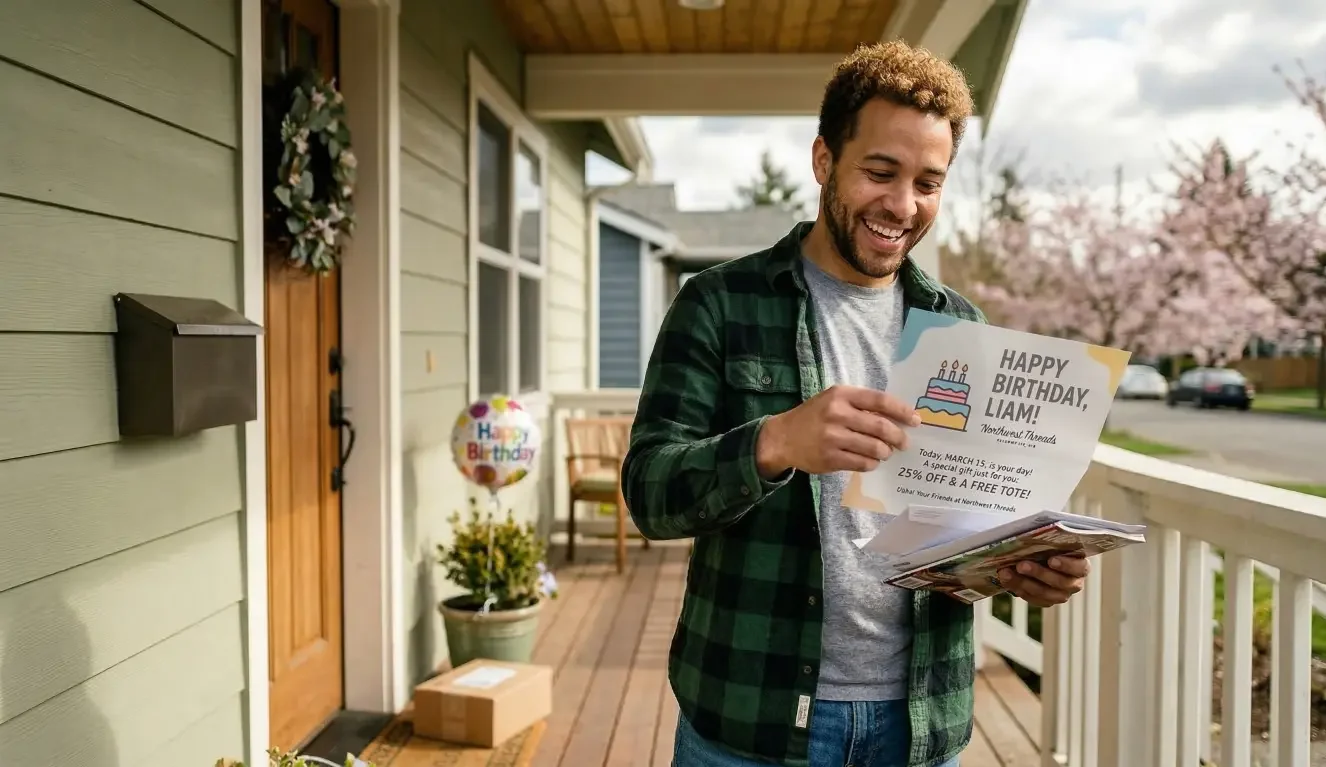
And automation does not need to start online-only. Even brick-and-mortar stores with limited digital infrastructure can automate follow-up if they capture customer information in-store and connect it to a basic email workflow. For stores that want a more layered approach, email can also be paired with direct mail to stay visible beyond the inbox, but that should come after the basics are working.
Common Follow-Up Mistakes Retail Owners Make
One of the most common mistakes is sending one-off emails instead of sequences.
A one-time message can help, but it puts too much pressure on a single touchpoint. If the customer misses it, forgets it, or sees it at the wrong moment, the opportunity fades. A short sequence gives you a better rhythm: one message to welcome, one to remind, one to re-engage.
Another mistake is treating all customers the same.
The customer who made a purchase is not in the same situation as the customer who signed up at an event, and neither is the same as the person who visited your website but never came in. When every follow-up looks identical, it is harder for the message to feel timely or useful.
Timing is another frequent issue. Some owners wait too long because they do not want to seem pushy. But follow-up works best when it is connected to a recent action. A message sent while the visit is still fresh generally makes more sense than one sent two weeks later with no context.
Then there is overcomplication. A small store owner reads about retail CRM automation, customer segmentation, trigger trees, and advanced campaign logic, then assumes the setup will be too much work. The result is either total avoidance or a half-built system that never gets used.
A simpler approach works better for most stores:
- one audience
- one trigger
- one short sequence
- one review process
That is enough to create momentum.
There is also a subtler mistake that shows up often: writing follow-up that sounds like an advertisement instead of a continuation of the customer relationship. A local shop usually wins on personality, trust, and familiarity. The follow-up should reflect that.
A Simple Follow-Up Workflow You Can Set Up in a Day
The most useful retail customer follow-up workflow is usually the one you can actually launch and maintain. You do not need a dozen journeys. You need one good starting point.
Step 1: Capture customer info at the right moment
Start with the moment that feels most natural in your store.
For many retail owners, that is checkout. A customer is already engaged, the interaction is complete, and there is a clear reason to ask for an email address: a receipt, a bounce-back offer, a loyalty perk, or early notice about new arrivals.
Keep the ask simple. Do not make it feel like a formality or a long sign-up process. The goal is to make it easy for someone to say yes.
If your store also gets traffic through a website, add one additional capture point there. This could be a newsletter sign-up, a form for a promotion, or a way for visitors to request updates. If you already have meaningful website traffic, it can make sense to connect those visits to a visitor identification and automation platform so that follow-up is not limited only to people who explicitly fill out a form.
Step 2: Set a basic 2–3 message sequence
Your first sequence should be short and useful.
For a local boutique or gift shop, it might look like this:
Message 1: Welcome or thank-you
Sent the same day or next day. Thank the customer for visiting or purchasing. Remind them of any offer they received. Keep it brief.
Message 2: Helpful reminder or product follow-up
Sent about two days later. Share a few related products, seasonal picks, or a useful reason to come back soon.
Message 3: Gentle re-engagement
Sent about a week later. Invite them back with a friendly reminder, a new-arrivals note, or a limited-time reason to revisit.
This sequence works because it follows the natural life of attention. The first message acknowledges the visit. The second adds relevance. The third creates a light nudge before the connection fades.
Step 3: Add timing that matches real customer behavior
Timing matters because context matters.
For most small shops, a same-day or next-day message is a sensible starting point. It keeps the interaction connected to the visit without feeling immediate in an unnatural way. A second message a couple of days later gives the customer space. A final message about a week later helps reinforce the connection.
You do not need perfect timing. You need reasonable timing.
A store that waits too long loses the advantage of recency. A store that sends too much too quickly can feel overly promotional. The middle ground is usually best: prompt enough to be relevant, spaced enough to feel respectful.
Step 4: Keep messages relevant and human
The message itself does not need to be clever. It needs to sound like it came from a real store that remembers the customer.
That means:
- short subject lines
- plain language
- one clear purpose per email
- references to the type of experience the customer had
A gift shop might mention seasonal bundles or easy gift ideas. A local apparel store might highlight new arrivals or styling suggestions. A home goods shop might feature bestsellers or complementary items.
This is where many stores overthink the writing. You are not trying to produce a campaign that wins awards. You are trying to make the next visit more likely.
If you are tired of relying on memory or manual follow-ups, there’s a simpler way to stay connected with your customers. MailX2 helps small businesses turn everyday customer interactions into automated follow-up—without adding extra work. Book a free strategy call to see how it could fit your store.
Low-Cost Ways to Automate Without Hiring Staff
When retail owners hear “automation,” they often assume the answer is buying an expensive system. Usually, that is not the real choice. The real choice is between a small, manageable setup and no system at all.
There are a few broad paths:
A basic email automation tool can work well if your needs are simple. This is often enough for stores that want a welcome flow, a post-purchase reminder, or a short promotion sequence.
A lightweight CRM can help if you want more structure around customer records, follow-up history, or segmentation. For some stores, though, a full CRM becomes more than they need.
A hybrid solution can make sense if you want both automation and support. That may be especially useful if you are short on internal time and want help setting up the workflow, creative, or ongoing execution rather than managing every step yourself.
What should you prioritize first?
Prioritize:
- easy setup
- clear triggers
- simple reporting
- a workflow you can maintain
- support that matches your team size
Ignore, at least for now:
- advanced features you will not use
- complex audience trees
- too many integrations
- systems built for enterprise retail teams
The tradeoff between DIY and managed support is simple. DIY may cost less upfront, but it still requires time, consistency, and someone to own it. Managed support may reduce the internal burden, especially if you want to combine email with other channels such as direct mail without building that process yourself.
For some retail stores, that blend matters. Email handles quick, low-friction follow-up well. Physical mail can help reinforce visibility and brand recall in a different way. But it only makes sense once the core follow-up workflow is already clear.
How to Tell If Your Follow-Up Is Actually Working
You do not need a complicated dashboard to know whether your follow-up system is helping. You need a few useful signals and a realistic expectation of what success looks like.
Start by watching for basic engagement:
- Are people opening or clicking your emails?
- Are customers mentioning an offer or message in-store?
- Are more people returning within a reasonable period?
- Are you getting replies, inquiries, or more direct traffic to your site?
In a small retail setting, progress can show up in ways that are more practical than polished. A customer says, “I saw your email and came back for that item.” Someone uses a return-offer code. A seasonal reminder brings in a few extra visits during a slow week.
That is valuable.
It is also important to define what “good enough” looks like. Your first workflow does not need to be perfect. It needs to run consistently and produce signs that customers are paying attention. A simple, functional workflow is more useful than a sophisticated one that never gets maintained.
When you review results, resist the urge to over-optimize too early. If you change subject lines, timing, offers, and messaging all at once, it becomes hard to tell what actually helped. Start by asking simple questions:
- Are messages being sent as planned?
- Do they match the customer’s experience?
- Are customers responding in any visible way?
- Is the workflow saving time compared with doing this manually?
That last question matters. For a small store, success is not just about response. It is also about consistency without extra staffing pressure.
Where to Start If You’re Short on Time
If your schedule is already stretched, do not begin with a full retail CRM automation project. Start with one workflow.
The best first workflow is usually tied to a customer action you already see often. For many stores, that means a post-purchase or post-signup sequence.
This week, focus on:
- choosing one trigger
- writing two or three short messages
- setting simple timing
- making sure customer information is captured consistently
Later, you can expand into:
- separate flows for new vs repeat customers
- seasonal campaigns
- website visitor follow-up
- re-engagement for inactive customers
- email and direct mail automation together
That order matters. A lot of small businesses get stuck because they start with the version they imagine six months from now instead of the version they can launch this week.
It is also worth being honest about where outside help may make sense. If you know your team will not maintain a DIY setup, it may be better to work with a managed provider that can help with both implementation and execution. That is especially true if you want follow-up to extend beyond basic email and into visitor-based outreach or coordinated direct mail.
The goal is not to do everything yourself. The goal is to build a system that keeps working when your attention is elsewhere.
Next Step: Turning Customer Visits Into Ongoing Conversations
Small retail stores do not usually need more customer interactions. They need to get more value from the ones they already have.
That is what follow-up automation does when it is set up well. It turns a single visit, purchase, or website interaction into an ongoing conversation that feels timely rather than forced. It helps you stay visible without depending on memory. It gives your store a better chance of earning the second visit, not just the first.
For some businesses, email alone is the right place to start. For others, especially stores looking to stay present across channels, a combination of email and direct mail can help reinforce that connection in a way that feels more durable and memorable.
Either way, the principle stays the same: make follow-up easier to run than to forget.
MailX2 helps businesses move from manual outreach to automated email and direct mail touchpoints based on real customer behavior. If you want a practical way to stay connected without adding more work to your week, book a strategy call and see what a simple setup could look like for your store.
FAQ
How can small retail stores automate customer follow-up easily?
The easiest way is to start with one trigger and one short sequence. For example, when someone makes a purchase or joins your email list, they automatically receive a thank-you message, a reminder a few days later, and a final follow-up about a week after that. Keeping the first setup simple makes it far more likely that you will actually use it.
Do I need a CRM to automate follow-up in retail?
Not always. Many small stores can begin with a basic email automation tool if their needs are straightforward. A CRM becomes more useful when you want deeper customer tracking, segmentation, or a more structured sales and follow-up process. The right choice depends on how much complexity your store can realistically manage.
What’s the simplest follow-up workflow for a small shop?
A strong starting point is a three-message post-purchase or post-signup sequence. Send a welcome or thank-you message the same day or next day, a helpful reminder two days later, and a gentle re-engagement message about a week later. That gives you consistency without creating too much work.
How soon should I follow up with customers after a visit?
Soon enough that the visit still feels recent. For most small retail stores, the same day or next day is a practical starting point for the first message. After that, spacing follow-up over several days tends to feel more natural than sending everything at once.
What tools are affordable for retail automation?
Affordable options usually fall into three categories: basic email automation tools, lightweight CRM platforms, and managed solutions that reduce the setup burden. The most cost-effective option is often the one your team can actually maintain rather than the one with the longest feature list.
Can automation work without an online store?
Yes. Brick-and-mortar stores can still automate follow-up by collecting customer information in-store and connecting it to simple email sequences. An online store can expand your options, but it is not required to begin building a useful follow-up system.
If you’re tired of relying on memory or manual follow-ups, there’s a simpler way to stay connected with your customers.
MailX2 helps small businesses turn everyday customer interactions into automated follow-up—without adding extra work.
Book a free strategy call today to see how it could fit your store.
RELATED LINKS: